Home / How Your Cookbook Gets to You
From your screen to your kitchen.
Choose a cookbook, download your PDF and make something you look forward to eating.
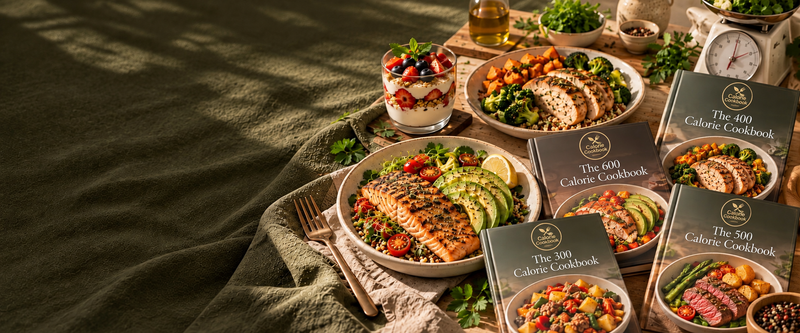
Getting your cookbook takes about two minutes, and there is nothing to wait for. Every Calorie Cookbook is a digital PDF, so you can start cooking the same day.
From checkout to kitchen in four steps
- Pick a cookbook or a bundle. Not sure which? Start with The 400 Calorie Cookbook, or browse all cookbooks.
- Check out with the payment method you prefer.
- Download instantly from the order confirmation page. A copy of the link is also emailed to you.
- Open it anywhere: phone, tablet, laptop or computer. Print your favorite pages for personal use.
What is inside every recipe page
Every one of our 3,750 recipes follows the same clear layout: calories, protein, carbs and fat at the top, prep, cook and total time, ingredients measured in grams, and simple step-by-step instructions. Because the numbers are already worked out, you can follow a recipe and know what is on your plate. To get the most from them, read our guide to counting calories without an app.
Tips for the best experience
- Download on Wi-Fi. Some files are large, and a stable connection is best.
- Save the PDF to your Files app or a cloud drive so you can find it again easily.
- Use a kitchen scale. Recipes are written in grams, and a scale makes it quick to match each plate to its numbers.
- Bookmark your favorites. Most PDF readers let you add bookmarks or search by recipe name.
Which devices work?
The files are standard PDFs, so they open on iPhone, iPad, Android phones and tablets, Mac and Windows computers, and most e-readers that support PDF. No special app is needed, just any PDF viewer.
Need help?
If your link does not work or you cannot find the email, check your spam folder, then contact us with your order number and we will sort it out. You can also read our frequently asked questions.